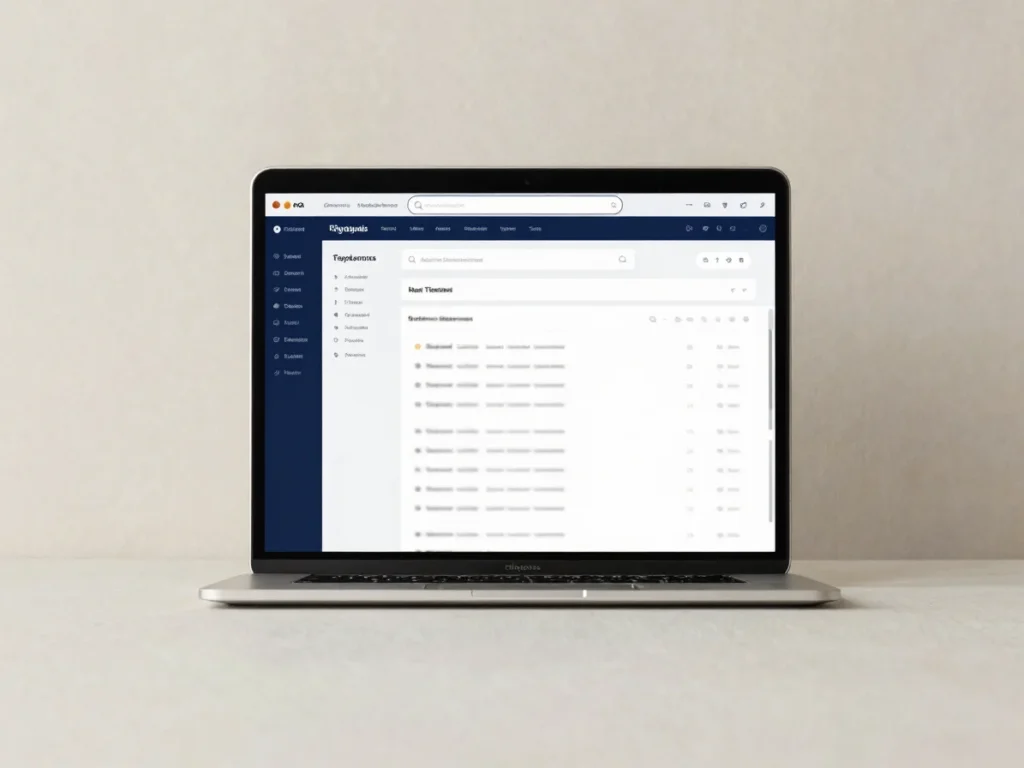
Clients, consultants, and administrators work from the same case record. Each role sees only the information assigned to it, and real-time dashboards show status, ownership, and the next required step.
Each actor receives access scoped to their responsibilities. Case numbers are assigned once and remain searchable throughout the engagement.
Role-based access
Six roles, strict isolation
Client, Consultant, TPA Admin, Compliance Team, Intelligence Team, and System Admin each operate within a defined permission boundary. Data is isolated by role and by assignment.
Case numbering
Immutable case references
Every case receives a unique, searchable identifier such as TPA-00125. The number does not change through status updates, reassignment, or handover.
Case lifecycle
Status and ownership in view
Each case moves through defined lifecycle states with a named consultant assignment. Clients and management can see the current stage and who holds the next action.
Working Inside a Case
Documents, requirements, and communication
Requirements
Dynamic checklists tied to uploads
Requirement checklists are generated from the engagement and linked to secure document uploads. Each item shows its tracking state, so outstanding material is always visible.
Documents
PDF, JPEG, and PNG with full version history
Uploads accept PDF, JPEG, and PNG files. Every revision is retained with its history, so a document can change hands without losing the record of what was submitted and when.
Messaging & invoices
Deliverables, invoices, and global search
Case-associated messages, deliverables, and invoices stay attached to the case they belong to. Global search returns records across cases for the roles permitted to view them.